Overview
Cristalyse leverages Flutter’s animation engine to deliver buttery-smooth 60fps animations. Every chart type supports customizable animations with different curves, durations, and effects.Basic Animation
Add smooth entrance animations to any chart:Animation Curves
Choose from Flutter’s extensive curve library:Elastic Effects
Perfect for playful interfaces:Bounce Animation
Add character to your visualizations:Smooth Transitions
For professional dashboards:Chart-Specific Animations
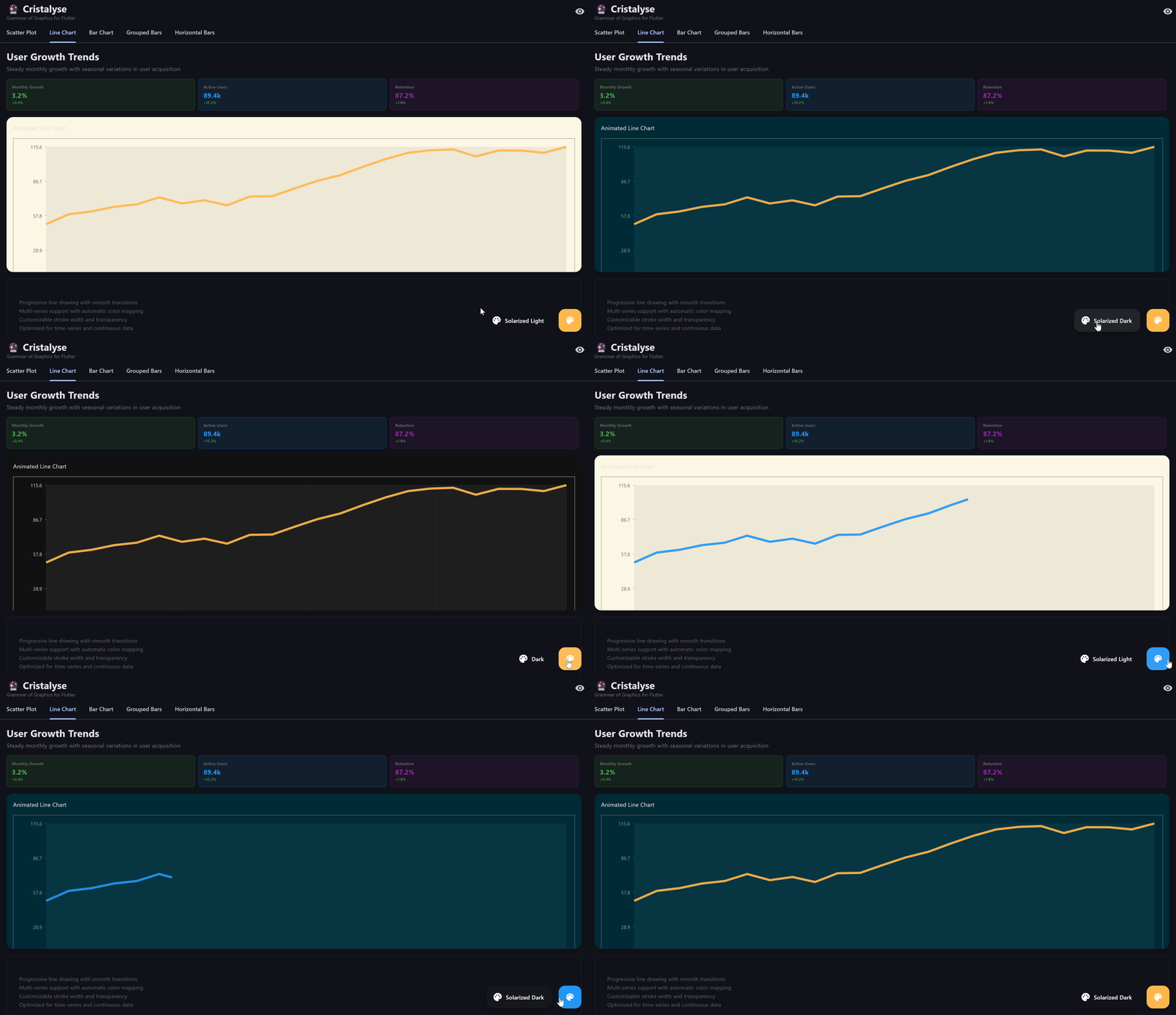
Progressive Line Drawing
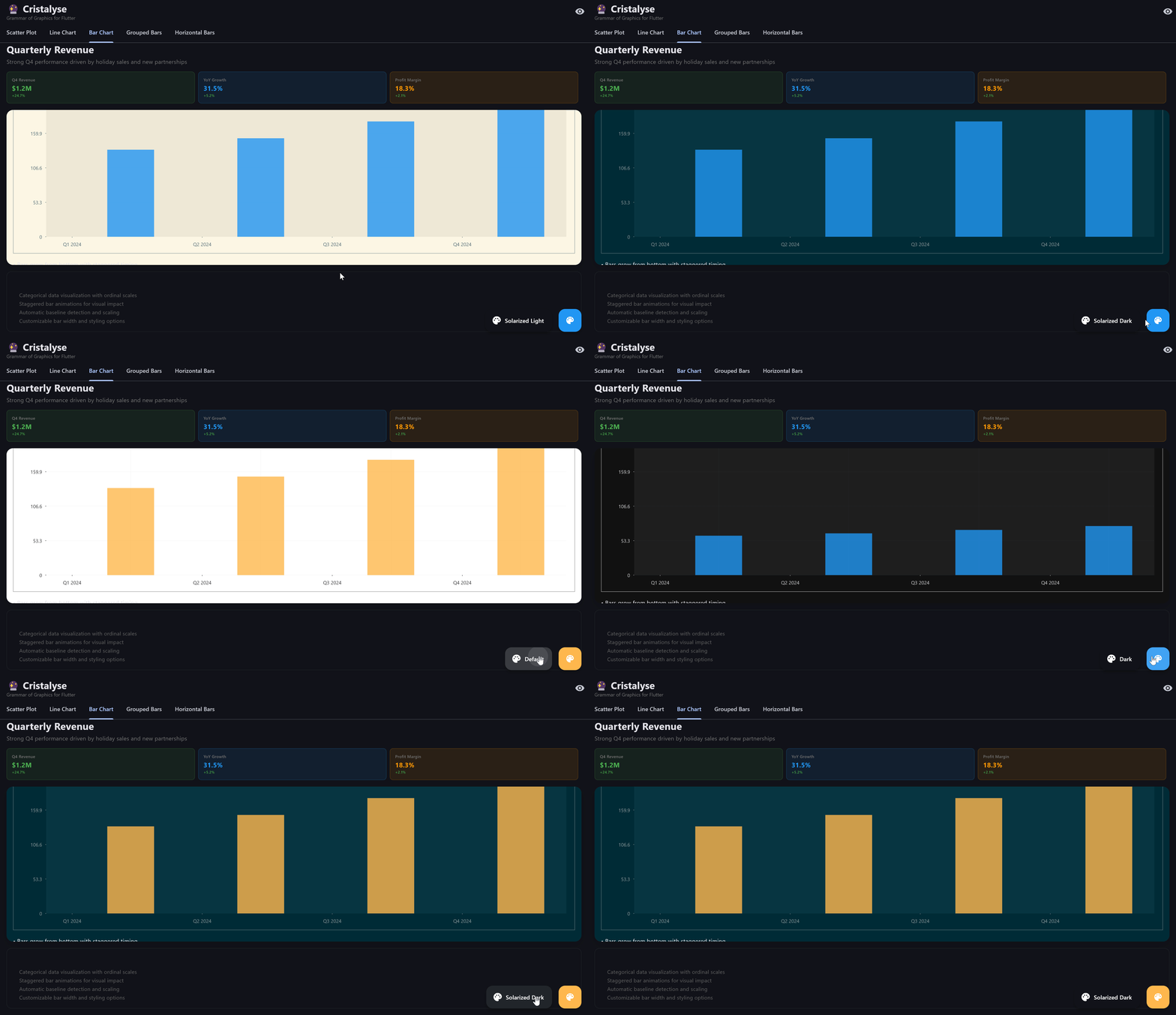
Lines animate from start to finish:Staggered Bar Growth
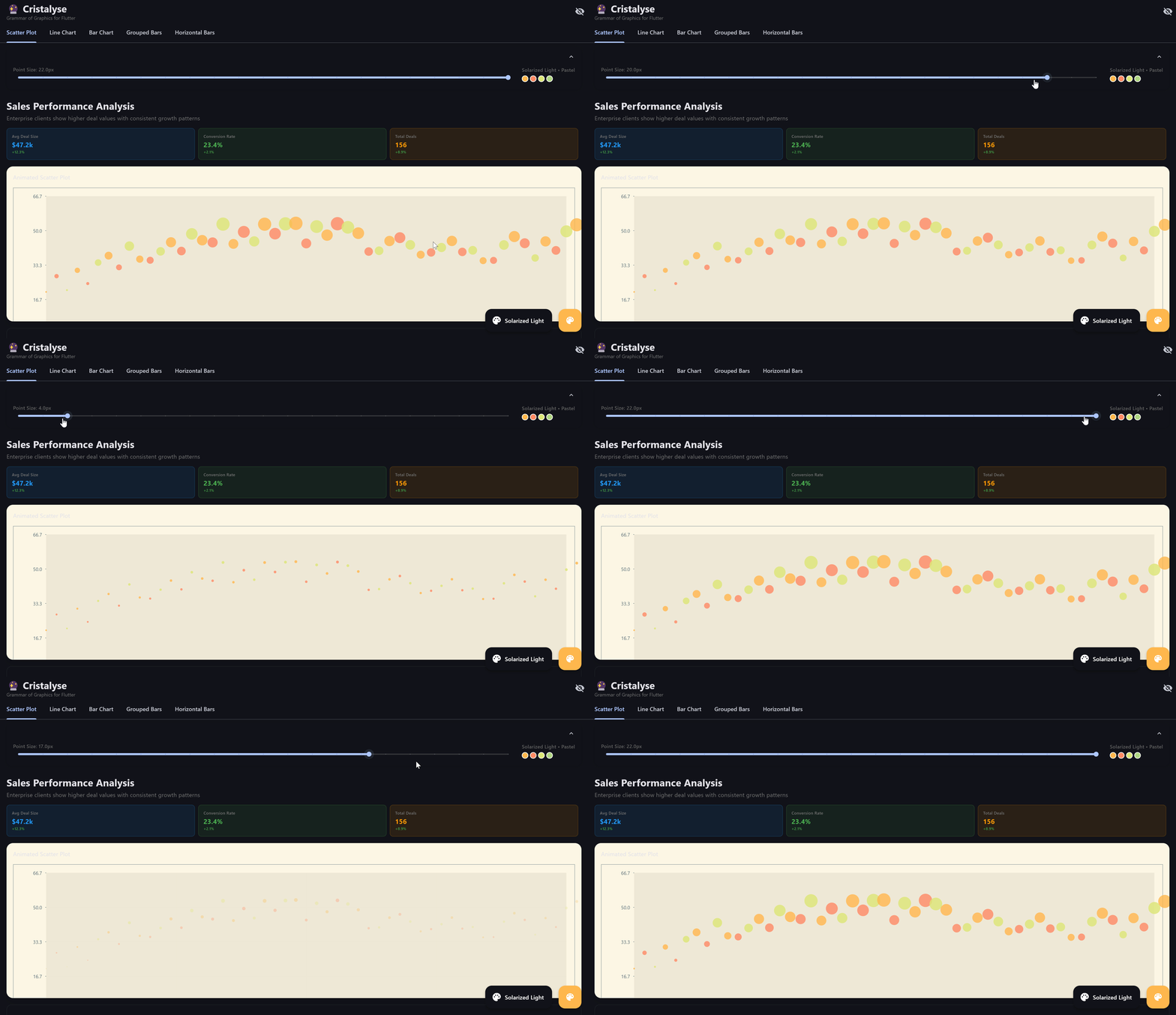
Bars animate individually with delays:Point Emergence
Scatter plot points appear progressively:Area Fill Animation
Area charts fill progressively:Advanced Animation Techniques
Layered Animations
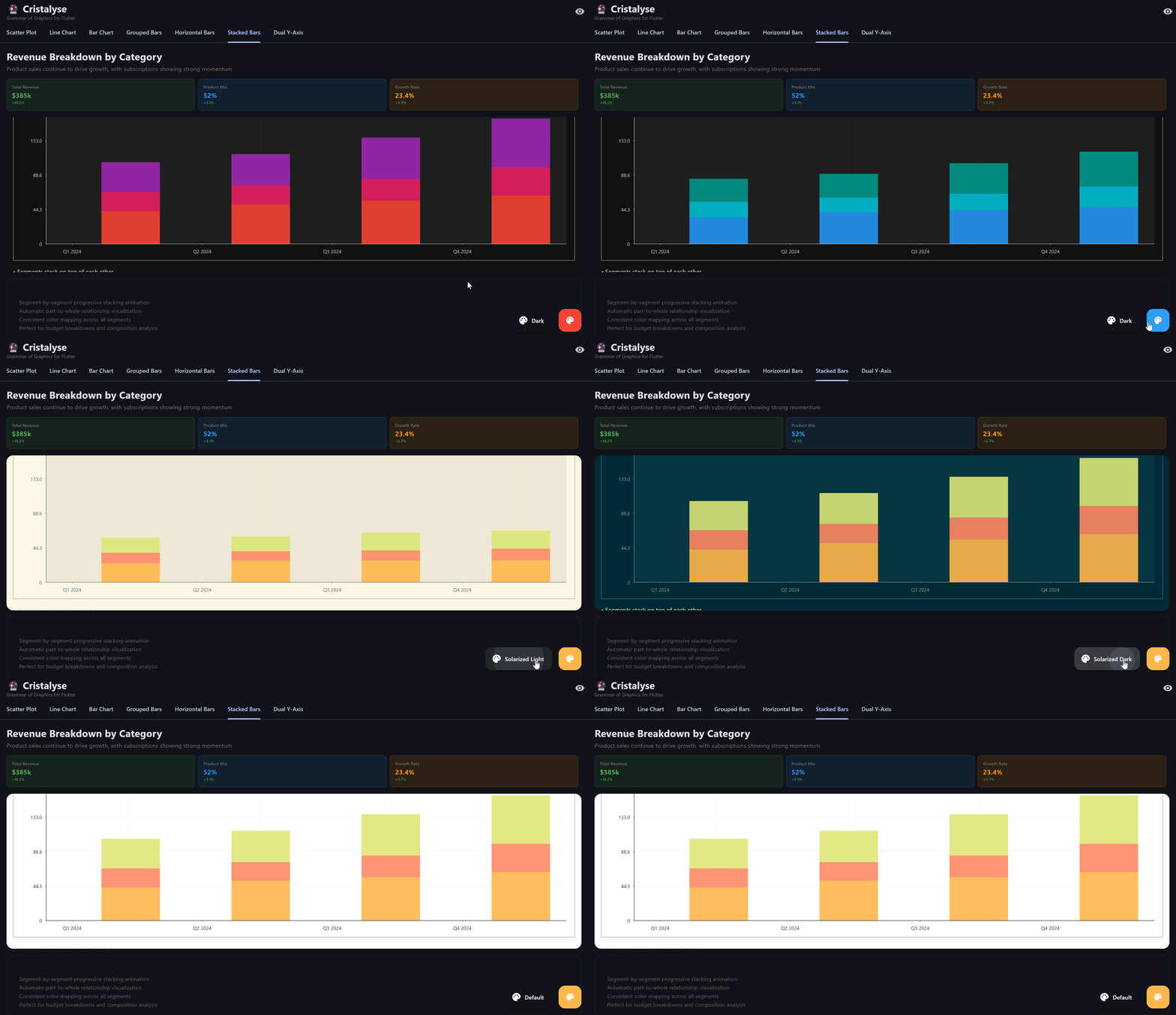
Combine multiple geometries with different timings:Stacked Bar Segments
Each segment animates individually:Dual Axis Coordination
Synchronize animations across different Y-axes:Animation Curves Reference
- Ease Curves
- Elastic & Bounce
- Back Curves
- Specialized
Curves.easeIn- Slow start, fast finishCurves.easeOut- Fast start, slow finishCurves.easeInOut- Slow start and finishCurves.easeInOutCubic- Smooth S-curve
Performance Optimization
Duration Guidelines
Choose appropriate durations for different chart types:- Scatter plots: 600-1000ms
- Line charts: 1000-2000ms
- Bar charts: 800-1400ms
- Area charts: 1200-1800ms
- Complex dual-axis: 1400-2200ms
Memory Efficiency
Cristalyse animations are optimized for:- GPU acceleration - Leverages Flutter’s rendering pipeline
- Minimal redraws - Only animates changing elements
- Smooth 60fps - Consistent frame rates across devices
- Memory efficient - Automatic cleanup after animation
Interactive Animation
Data Updates
Smooth transitions when data changes:Theme Transitions
Smooth theme changes:Best Practices
Duration Selection
Duration Selection
- Short animations (300-600ms) for simple interactions
- Medium animations (800-1400ms) for chart rendering
- Long animations (1500-2500ms) for complex visualizations
- Avoid animations longer than 3 seconds
Curve Selection
Curve Selection
- Use
easeInOutCubicfor professional dashboards - Use
elasticOutfor engaging presentations - Use
fastOutSlowInfor Material Design consistency - Avoid jarring curves like
bounceInfor serious data
Performance
Performance
- Test on slower devices to ensure 60fps
- Consider reducing animation complexity for large datasets
- Use
shouldRepaintoptimization for static elements - Profile animation performance during development
Accessibility
Accessibility
- Respect user’s reduced motion preferences
- Provide option to disable animations
- Ensure animations don’t interfere with screen readers
- Use appropriate duration for cognitive accessibility
Animation Showcase